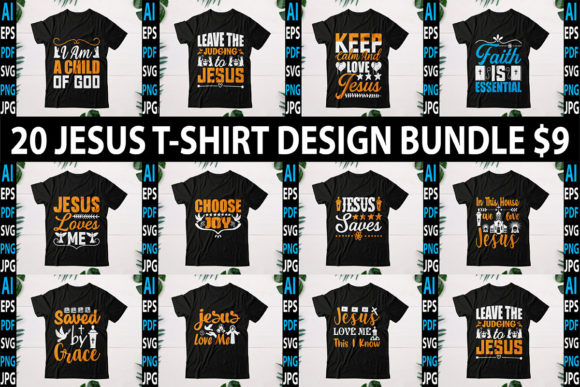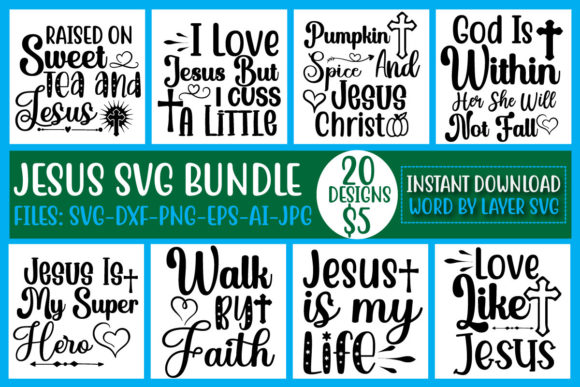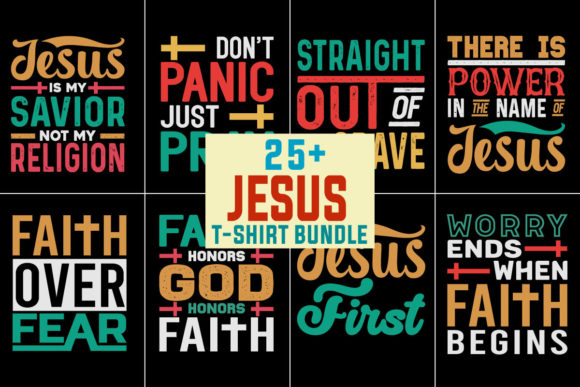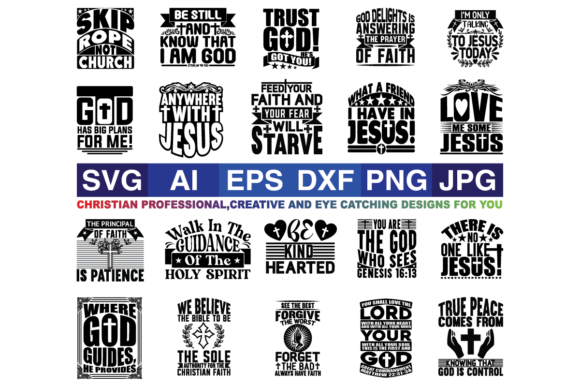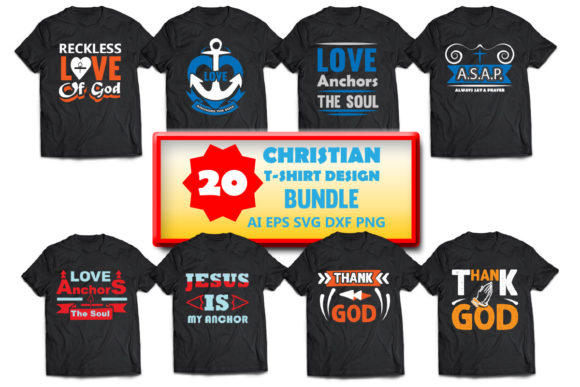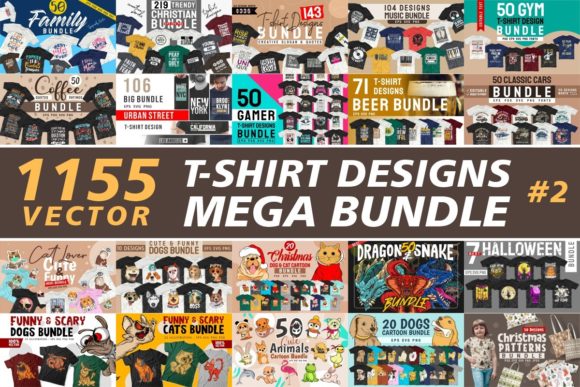
Unlocking Creative Potential with a T-Shirt Designs Vector Mega Bundle
When you sit down to create apparel graphics, the gap between a compelling concept and a finished product often comes down to the raw materials you have on hand. A T-shirt Designs Vector Mega Bundle changes that dynamic entirely. Instead of drawing every curve from scratch or scouring free repositories for inconsistent clip art, you work from a curated library of scalable, editable artwork. This shift in approach matters whether you are a professional graphic designer juggling client deadlines, a small business owner launching a merch line, or a hobbyist who simply wants to print a handful of tees for a family reunion.
How a Vector Bundle Reshapes Your Design Workflow
The word bundle suggests quantity, but the real value lies in how these collections fit into your actual day-to-day work. With a typical mega bundle, you receive hundreds or even thousands of individual vector files organized by theme, style, or motif. These are not flat PNGs; they are fully scalable vectors created in formats like AI, EPS, SVG, or CDR. Because they are vector-based, you can resize a floral motif to cover an entire back panel or shrink a geometric pattern to serve as a pocket logo without any loss of quality.
This scalability changes how you experiment. You can drop a vector element onto a blank canvas, change its color in seconds, combine it with typography, and produce a mockup that looks finished. That speed lets you test multiple directions for a single shirt design in the time it once took to draft one option. For creators working under tight launch windows, that acceleration is a practical advantage.
File Format Compatibility and Your Software Stack
Not every vector bundle works seamlessly with every program. A well-structured T-shirt Designs Vector Mega Bundle includes files in several common formats so you can open them in Adobe Illustrator, CorelDRAW, Affinity Designer, or even free tools like Inkscape. SVG files, in particular, have become a bridge format because they open natively in web browsers and many print-on-demand platforms. If you run a Shopify store that lets customers personalize products, an SVG-backed design can be manipulated directly in the browser.
Before committing to a bundle, check which formats are included. Some collections supply only AI files, which may not open correctly in non-Adobe software. Others provide layered EPS files that maintain editability across platforms. The best mega bundles offer at least two formats so you never hit a wall when moving between your design app and your production partner.
Practical Applications Across Different User Groups
A T-shirt Designs Vector Mega Bundle serves very different needs depending on who is using it. Understanding these use cases helps you see whether a particular bundle aligns with your own goals.
Small-Business Owners and Merchandisers
If you run a print-on-demand store or a small screen-printing operation, your profit margins depend on turnaround time. Creating original artwork for every new product is slow. With a mega bundle, you can rotate through themes seasonally. For example, a bundle containing tropical motifs, retro typography, and abstract patterns lets you refresh your catalog for summer, back-to-school, and holiday drops without hiring external designers. You simply select, recolor, and upload. The consistency of vector formatting also means your files print correctly every time, reducing the risk of misaligned screens or pixelated edges on large formats.
Many business owners also use these bundles to create variations. A single floral vector can become a front chest design, a full-back print, a sleeve accent, and even a matching pattern for tote bags or hats. This cross-utilization stretches the value of the bundle far beyond its initial cost.
Professional Graphic Designers
For designers, a mega bundle functions as a time-saving resource rather than a replacement for original work. You might pull a detailed geometric frame from the bundle and build your typography inside it, or use a set of vector textures to give a flat illustration a distressed, screen-printed feel. The key is that you treat the bundle as a foundation, not a final product. By layering, recoloring, cropping, and combining elements, you create derivative works that feel custom while cutting your production time by half or more.
Some bundles also include elements that are hard to draw quickly by hand, like intricate mandalas, vintage badges, or realistic vector insects. Having these on hand for client presentations allows you to show high-fidelity concepts earlier in the approval process, which builds trust and reduces revision cycles.
Educators and Workshop Facilitators
Teaching vector design or screen-printing basics becomes more effective when students have high-quality source material to manipulate. Instead of spending class time on basic drawing techniques, you can focus on composition, color theory, and production constraints. A T-shirt Designs Vector Mega Bundle gives every student a shared library to work from, so exercises stay consistent and the results are easier to compare and critique. Educators often find that students produce more polished portfolio pieces when they start from professional vectors rather than hand-drawn sketches.
Hobbyists and DIY Enthusiasts
Not everyone who designs T-shirts does it for money. Hobbyists creating shirts for sports teams, community events, or family gatherings benefit from the variety a mega bundle offers. You might not have the skills to draw a detailed wolf head or a vintage racing car, but with a vector bundle, you can assemble a design that looks remarkably professional. The low cost of the bundle relative to the number of designs makes it feasible to experiment without guilt. If a design does not work out, you simply try another vector from the collection.
Characteristics That Define a High-Quality Vector Bundle
Not all mega bundles deliver the same level of usefulness. Certain characteristics separate a well-curated collection from a bulk download of filler graphics.
Consistent Artistic Style
A bundle that mixes hand-drawn doodles, photorealistic vectors, and flat icons can feel disorganized. The best T-shirt Designs Vector Mega Bundles maintain a stylistic thread throughout. Whether the theme is vintage Americana, minimalist botanical, or urban streetwear, the elements should look like they belong together. That consistency makes it easier to combine multiple assets in a single design without visual clashes.
Layer Organization and Naming
When you open a vector file and find layers named "Path 1," "Path 2," and so on, you waste time hunting for the component you need. Good bundles use descriptive layer names and group related objects. For example, a vector of a lion might have layers for mane, face, eyes, and background separated and labeled. This organization is invaluable when you want to recolor the mane independently or remove the background circle.
Color Palette Flexibility
Many vectors in a quality bundle are built with global swatches or simple fills that are easy to change. You can select the entire artwork and apply a new color palette in under a minute. For screen printing, this means you can adapt a design to match a limited ink palette without redrawing anything. For POD platforms, it means you can create color variants that appeal to different customer preferences.
Commercial Licensing Terms
Before using any bundle asset in products you sell, review the licensing terms. Some bundles restrict the number of copies you can produce, require attribution, or prohibit use in certain merchandise categories. A solid commercial license gives you freedom to use the vectors in unlimited products, often including digital downloads and physical goods. If you cannot find clear licensing information, reach out to the creator before investing time in production.
Real-World Examples of Bundle Utilization
Consider a small streetwear brand launching a drop centered on celestial themes. A mega bundle with vector moons, stars, constellations, and abstract astrological symbols provides the raw elements. The designer selects a crescent moon vector, duplicates it, scales the copies, and arranges them into a flowing composition across the back of a hoodie. A few stars are scattered around the front pocket area. The entire design, from concept to print-ready file, takes less than two hours. Without the bundle, drawing those same elements and achieving consistent line weights would take days.
Another example involves a nonprofit organizing a charity run. They want T-shirts that feature a stylized runner combined with a city skyline. A mega bundle containing silhouette vectors of athletes and landmark outlines allows a volunteer designer to merge the two elements quickly. The final design is screen-printed in two colors, and the cost of artwork development is essentially zero because the vectors were already in the bundle. The money saved goes directly to the cause.
Scalability and Production Considerations
Working with vectors from a mega bundle does require some understanding of production constraints. For screen printing, you need to separate colors into individual layers. Because the vectors are editable, you can assign each color to a separate film positive. However, if a vector contains gradients or complex shading, you may need to simplify it for spot color printing. Similarly, for direct-to-garment (DTG) printing, you can keep the full color range, but the file must be set to the correct resolution and color profile. The vector format gives you control over these settings, but you still need to apply the correct export parameters for your specific printer.
Heat transfer and sublimation workflows also benefit from vector source files. You can resize the artwork to fit different garment sizes without redrawing, and you can mirror the design for transfer paper without losing alignment. The flexibility of vector data reduces errors at every stage of physical production.
Trends in Vector Design for Apparel
The popularity of certain visual styles shifts seasonally, and a good T-shirt Designs Vector Mega Bundle reflects current trends while also offering timeless elements. In recent seasons, retro-futurism, abstract geometry, nature motifs with bold outlines, and distressed typography have all seen strong demand. Bundles that include these trending styles allow designers to stay relevant without constantly purchasing new assets. Look for bundles that offer periodic updates or that are expansive enough to cover multiple trend cycles.
Minimalist line art has also become a staple in apparel design, particularly for lifestyle brands that want a clean, modern aesthetic. Vector bundles that include single-line drawings, continuous line portraits, and minimalist botanical shapes are especially versatile because they work on everything from basic cotton tees to premium performance fabrics.
Evaluating a Bundle Before Purchase
Given the number of mega bundles available online, a quick evaluation process saves you from buying a collection that does not fit your workflow. Start by downloading a sample pack if one is offered. Open a few files in your software of choice and test how easily you can change colors, resize elements, and export for your intended use. Check whether the vectors contain embedded raster images (which defeats the purpose of vector formatting) or stray anchor points that make editing frustrating.
Reading reviews from other designers in your niche also helps. A bundle praised by scrapbookers may not suit a screen printer who needs clean, closed paths for color separation. Look for feedback from users who create apparel specifically. Their comments will reveal practical issues like file size, layer naming quality, and print readiness that the product page might not mention.
Building a Personal Vector Library Over Time
One T-shirt Designs Vector Mega Bundle is rarely the end of the story. Many designers gradually assemble a personal library by picking up bundles that cover different themes. Over months and years, this collection becomes a resource you can dip into for any project. The key is to organize your files by theme, color palette, and style so you can find what you need quickly. Tagging vectors with keywords like "floral," "grunge," "vintage," or "sports" inside your file system saves hours of searching later.
Because vector files are relatively small (compared to layered Photoshop documents), storing them in a cloud folder makes them accessible from multiple workstations. You can collaborate with remote team members by sharing specific directories, ensuring everyone works from the same source assets.
Pushing Beyond Basic Usage
Once you are comfortable using a vector bundle as a source of ready-made graphics, you can push into more advanced techniques. Combining multiple vectors from different bundles into a single composition often yields designs that feel unique even though they are built from stock elements. Applying custom color palettes, adding hand-drawn accents, or distressing vector shapes with brushes and textures are ways to inject your personal style.
Some designers repurpose vector elements for non-apparel applications entirely. A T-shirt vector becomes a poster graphic, a sticker design, or a social media template. The same mega bundle that supports your clothing line can feed your entire visual content pipeline. That cross-functional value is what makes a well-chosen bundle a genuine asset rather than a one-time purchase.
In the end, a T-shirt Designs Vector Mega Bundle is not about shortcuts. It is about expanding what you can create within the time and resources you have. Whether you are a solo entrepreneur printing your first batch of tees or an experienced designer managing multiple clients, having a deep library of editable, high-quality vectors at your fingertips changes the way you approach each blank shirt. It turns limitations into possibilities, and that is the real purpose of any design tool.